
Digital project room for construction records and site communication


You're in good company
They show that digitization is not a theory, but starts on the construction site. Right where people work.
Take the first step and ask us. Like many others before you, you won't regret it.










Everything for the construction project – including communication

Centralised by project instead of scattered across devices

Find information quickly with folders, search and filters

Available in the office and on mobile

Site communication linked to the project
Built for companies with changing job sites
Scaffolding contractors
Painters and plasterers
Landscaping companies
Other construction and trade businesses
Store plans, PDFs and other project files centrally


Find, organise and share files without detours
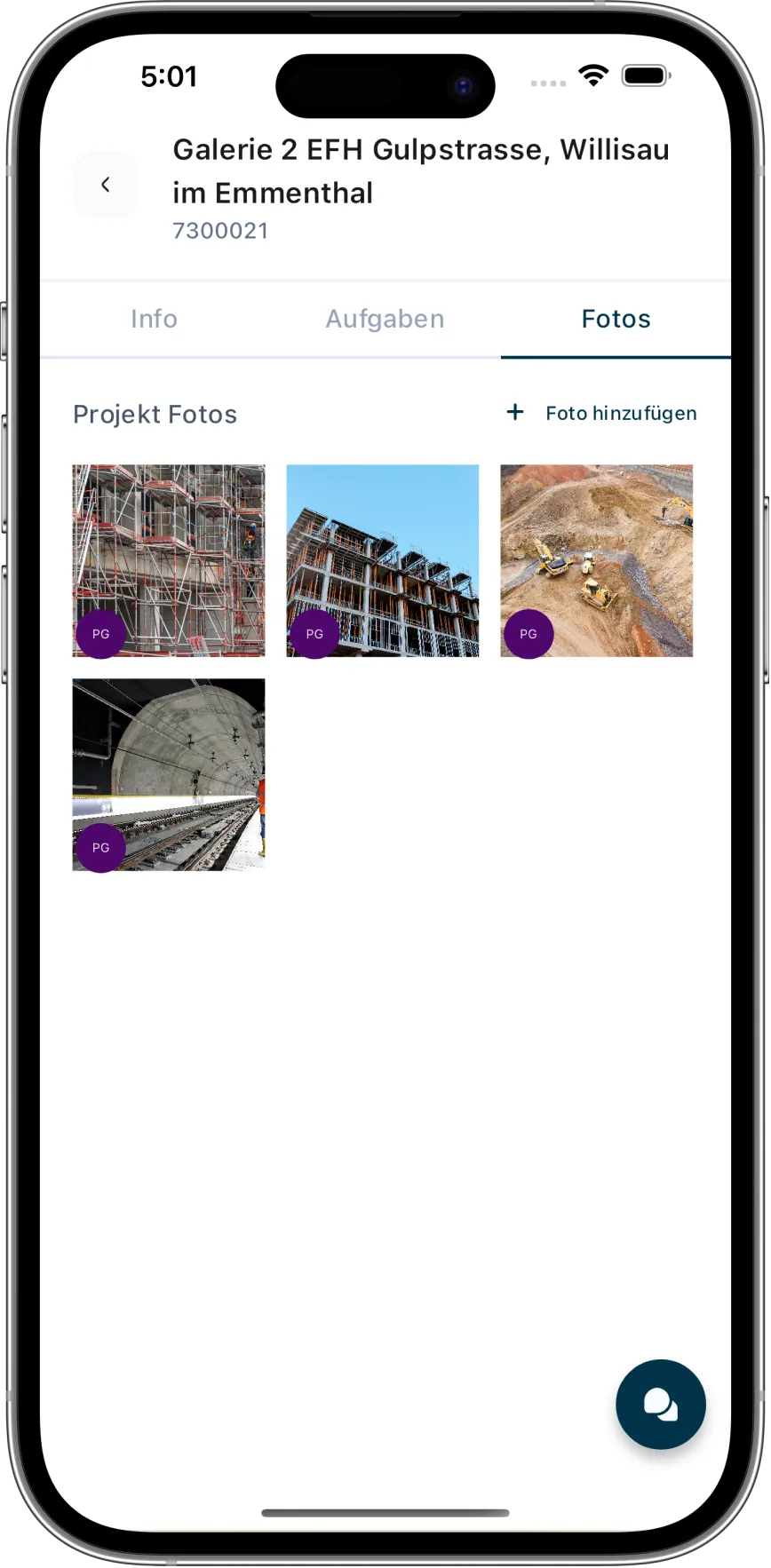
Document the construction site directly with a smartphone
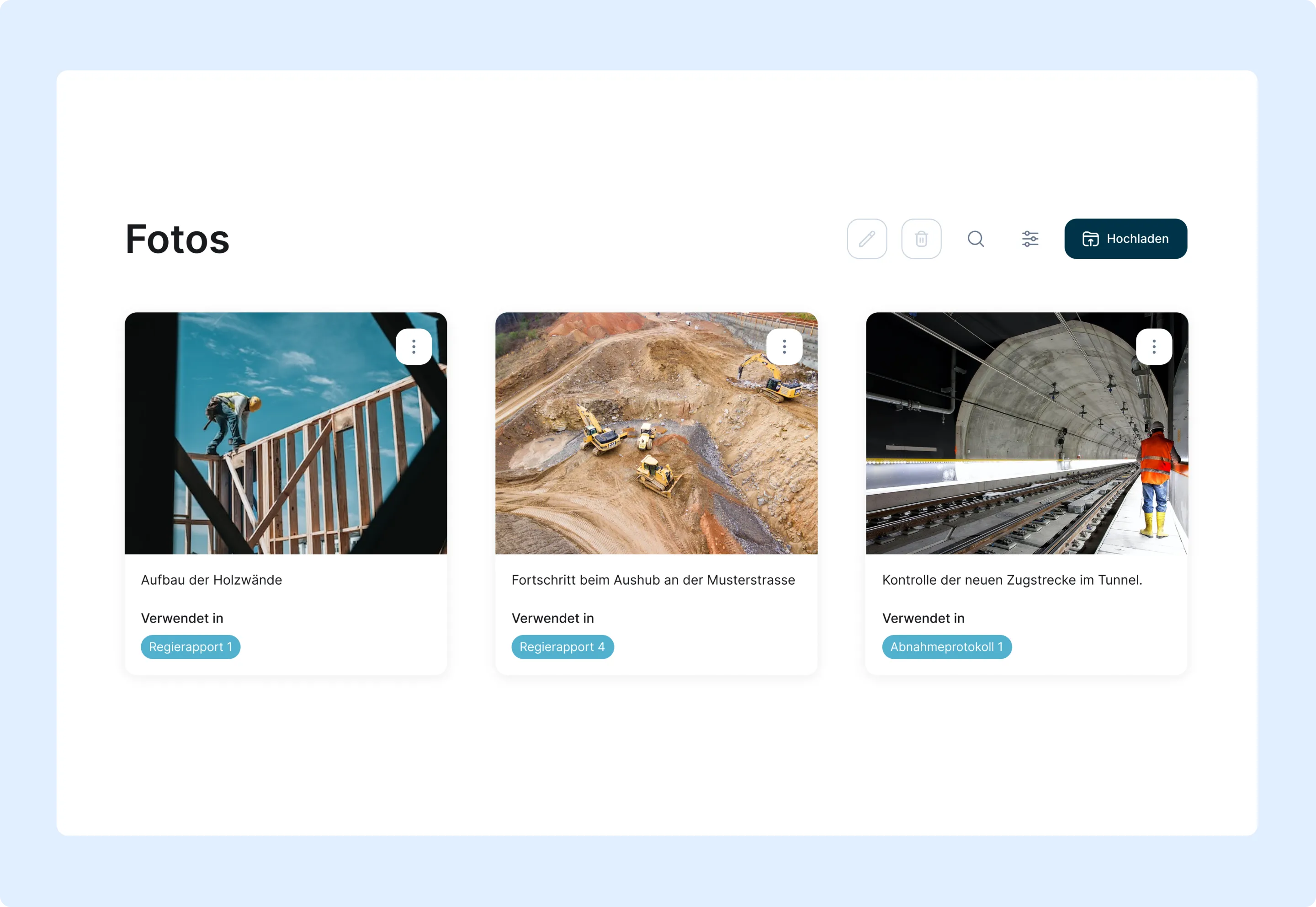
Keep agreements in the project instead of scattered chats

How a shared project record is created
Open a project or folder
Store files and photos
Communicate within the project
Find and share
Frequently asked questions
Which files can I store in Caturix?
You can store PDFs, Word and Excel files, images and ZIP archives in the project. Email attachments can also be transferred, and common content can be opened directly in Caturix.
Can my team upload photos directly from the construction site?
Yes. Team members can take photos with the camera or select them from the gallery and upload several at once to the right project.
Are folders, search and filters available?
Yes. Files can be organised in folders, moved and renamed. Search and filters help by name, type, uploader, date and project context.
Can I share files and photos with other people?
Authorised users can share or download content in the project and send selected files by email. Available actions depend on their permissions.
Is Caturix a chat app for construction sites?
Yes. In project chat, the office and site teams exchange messages, photos and files within the right construction project. Agreements remain traceable for authorised participants instead of being scattered across private chats.
What is the difference between project management and the mobile app?
Project management covers the full project lifecycle, resources and reporting. The mobile app describes access on the move. The digital project room brings together files, site photos, project chat and traceable construction records.