
Daily site reports for construction and trades
Work finished. Daily report too.
Record hours, materials, work and photos on site – before anything gets forgotten. The office finds the report in the right project.
Free and without obligation. We look at your workflows together.

From a day's work to a signed PDF

Record details directly on site

Keep everything together by project

Complete and send the report

Less duplicate data entry
Open the project and select the workday


Record work and resources
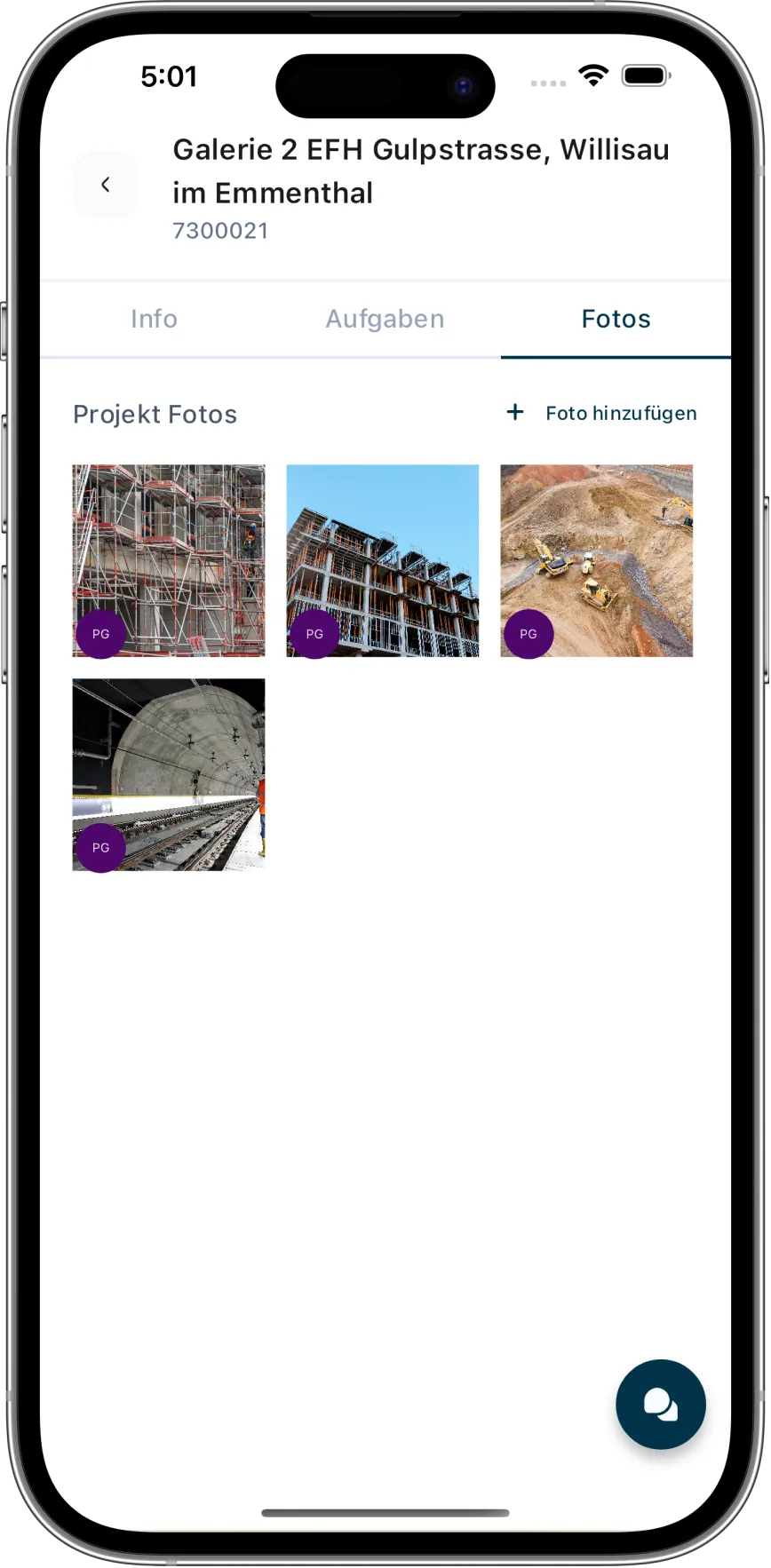
Add photos and a signature
Review and send the PDF
Built for companies with changing job sites
Scaffolding contractors
Painters and plasterers
Landscaping companies
Other construction and trade businesses
Construction guides
From daily site reports to post-job costing, these guides offer practical help for everyday construction work.
Frequently asked questions
What is the difference between a daily site report and a time-and-material report?
A daily site report documents the entire site day, including work, personnel, materials, deliveries and events. A time-and-material report records additional work charged according to actual effort.
Are daily site reports available in the standalone Rapport App?
Not yet. The Rapport App currently creates time-and-material reports only and does not require a Caturix account. Daily site reports are managed in Caturix Cloud and linked to projects, employees and office processes.
What information can I record in a daily site report?
You can record the date, weather, notes, work items, time-and-material items, employees and hours, material deliveries, inventory, external services, photos and the customer signature.
Can daily site reports be edited on site and in the office?
Yes. Employees record information directly on site in the Caturix app. Project managers and office staff see the same report and can review or complete it.
Can I mark additional work within a daily site report?
Yes. Individual items can be marked as time-and-material work, keeping additional work visible and separately traceable within the daily report.
How is a completed daily site report shared?
After review, you can complete the report, open or download it as a PDF and email it directly to the required recipients.