
Building construction software for contractors




What Caturix solves for building contractors
Create quotes and project variations

Manage building projects in one place

Schedule crews and equipment

Document progress on site

Track working hours on the go

Capture variations and additional work

From quote to digital work report
Offerte kalkulieren
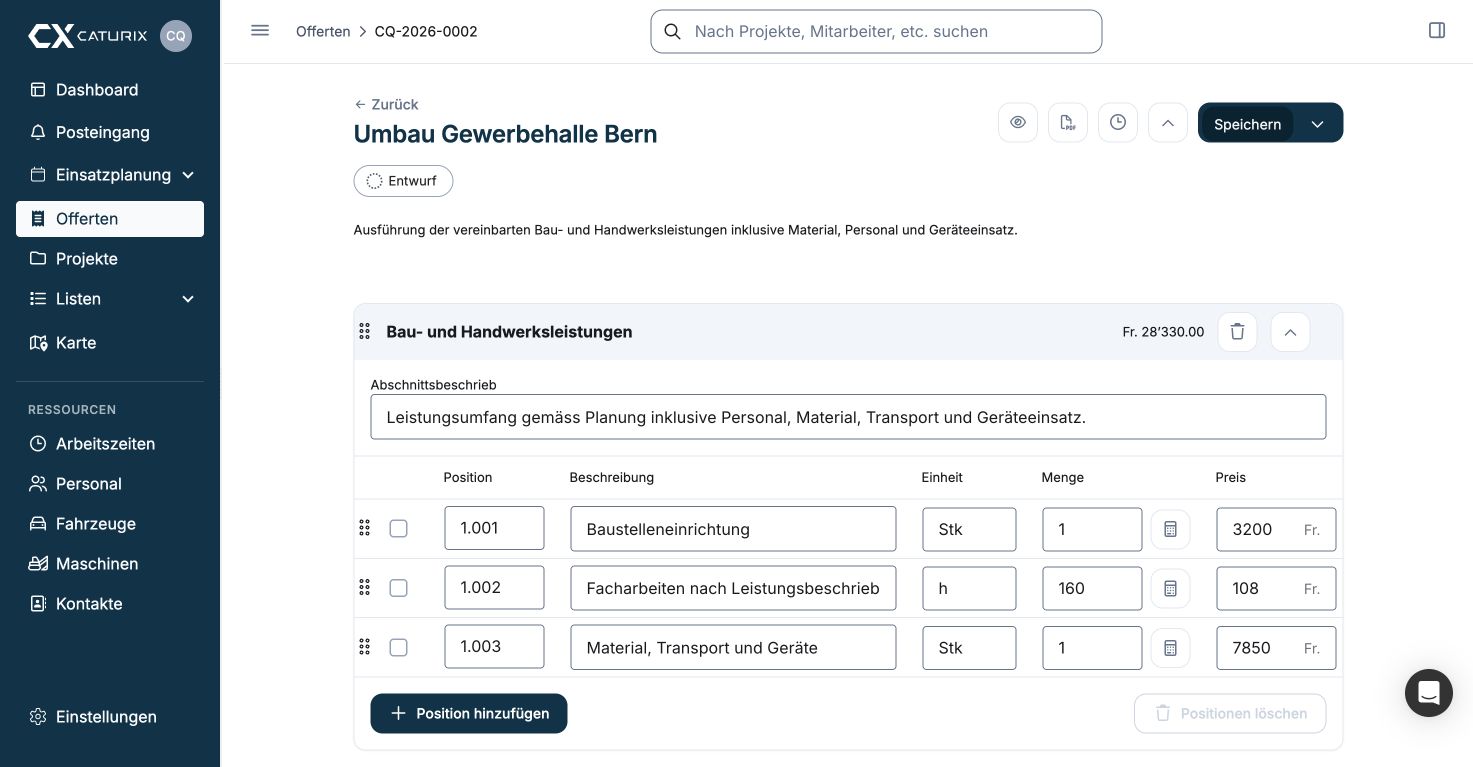
Auftrag übernehmen

Kolonne planen

Arbeit dokumentieren

Regie abrechnen

Warum Caturix im Baualltag funktioniert

Weniger Rückfragen

Weniger Papier zwischen Büro und Baustelle

Keine verrechenbare Leistung vergessen

Planung bleibt für alle aktuell
Core features in detail
Document progress on site

Create quotes and project variations
Manage building projects in one place

Capture variations and additional work
Frequently asked questions
How does Caturix schedule crews and resources for building construction?
Plan employees, crews, vehicles, equipment and tasks in one place and assign them to the right jobs. Office and site teams see the current schedule when plans change.
Can I create building construction quotes with NPK or my own items?
Yes. Build quotes with NPK items or your own text, calculate quantities and prices, and turn an accepted quote directly into the basis of a project.
What can crews do in the Caturix mobile app?
Crew members can view their schedule and project details, manage tasks, and capture working hours, photos, files and changes under the correct job.
How do I record working hours and additional work?
Time entries are assigned to the right project and task. Extra work, employees, vehicles, equipment and materials can be documented in clear digital work reports.
How does Caturix connect the office and the construction site?
Tasks, deadlines, contacts, documents, photos, quotes and reports stay together in the project, so office, project and site teams work from the same information.
Can I try Caturix before buying?
Yes. Create your account in about five minutes and try Caturix free for 14 days. You can also book a no-obligation demo to discuss your workflow first.