SORBA alternative in Switzerland

Does Caturix fit your construction workflow better than SORBA?

Compare the options for quotes, scheduling, time tracking and reports – and find out whether Caturix fits your workflows.

Free and without obligation. We look at your workflows together.

Caturix project file management on desktop and mobile.
Keep plans and project files together for the office and site.
A SORBA alternative for construction businesses

Less software overhead. More control.

Construction workflows in your browser

Caturix runs in the browser and mobile app. The office, project management and site teams work from the same up-to-date project information.

Everything under the right project

Scheduling, time tracking, reports, photos, files, and custom-text and NPK quotes stay together and remain traceable.

Switch step by step

Review your SORBA modules, start with a pilot and expand your use of Caturix step by step—without a big-bang transition.

Your ERP stays as it is

Accounting, payroll and finance stay in your ERP. Caturix focuses on the workflows that matter on site.

You're in good company

More and more construction companies are using Caturix to make their everyday lives easier, more transparent and more digital.
They show that digitization is not a theory, but starts on the construction site. Right where people work.

Take the first step and ask us. Like many others before you, you won't regret it.

Logo von Deubi Gartengestaltung GmbHMEB Gerüst logoAlder AG logoMEGA Gerüste AG logoStockhorn Gerüste AG logoConrad Kern Ticino logoBodensee Gerüstbau logoTimberTime logoRohrer Suisse AG logoKull Elektro logoBühlmann Keramik AG logoSiggenthaler Gartenbau AGEngeli Gerüstbau AGHarmony Gärten GmbHLeutenegger + Cruz AGGufler Gerüste AGBodenheimer Gerüstbau GmbH
Weekly group planning view with validations
Construction work with Caturix

Coordinate the office and site in one platform

Caturix brings planning, execution and documentation together. Your team can see what needs to be done and which information belongs to the project.
Schedule employees, teams, vehicles and machinery with drag and drop
Record working hours, breaks and travel on mobile
Document time-and-materials and daily site reports under the project
Create custom-text and NPK quotes and exchange CRBX files
Project view screenshot
Your existing ERP

Caturix complements your ERP instead of replacing it
Caturix handles operational workflows around projects and construction sites. Accounting, payroll and finance stay in your ERP. We clarify the required data flows based on your workflows.
Keep your existing accounting and finance processes
Continue working with your accountant and the solution you know
Clarify the required data flows based on your workflows
Introduce Caturix with a pilot project
Weekly group planning view with validations
Cloud and mobile

Up-to-date project status—in the office and on the go
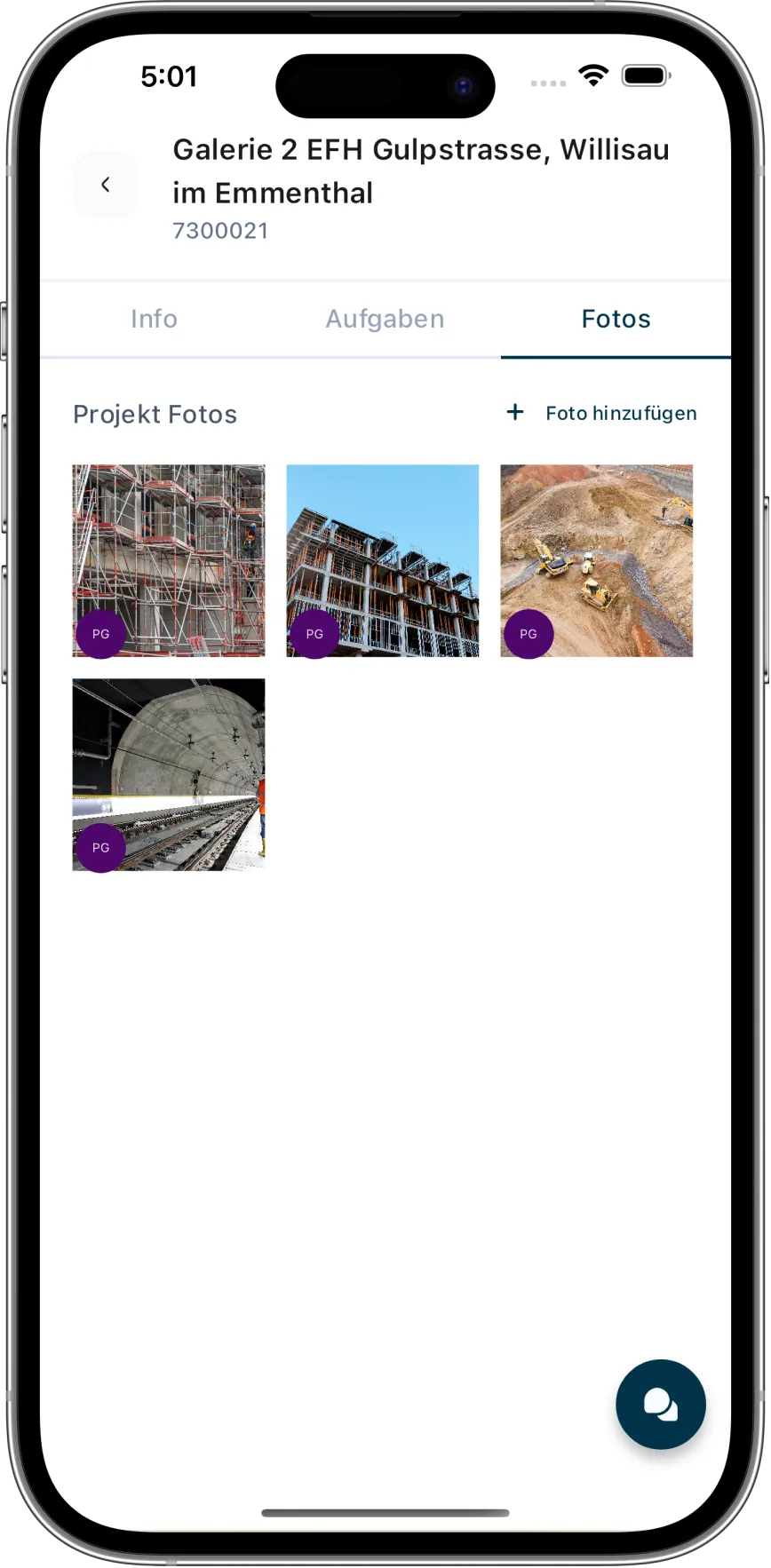
Employees can see their assignments, record working hours and document work on site. The office receives the information in the relevant project.
Access projects in the browser and mobile app
Record working hours offline and sync them later
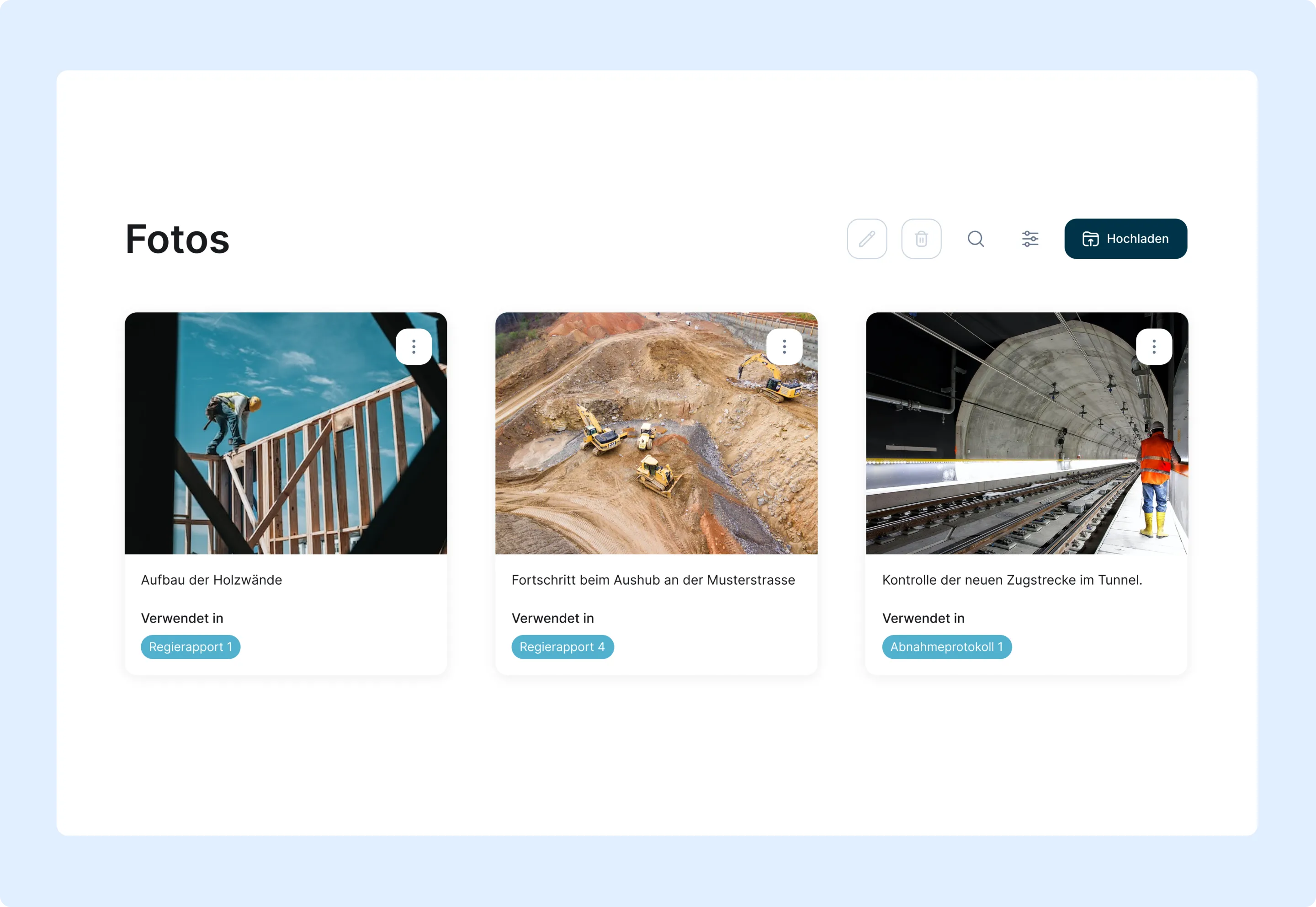
Link photos, files and reports to the project
Make information available from the office to the site
Screenshot der Fotoablage
Your transition

Switch only if Caturix fits your workflows

Caturix does not have to replace every SORBA module one to one. What matters is which features you use, which data needs to be transferred and how your ERP remains connected.
Review the SORBA modules you use today
Compare your key workflows with Caturix
Clarify data transfer and ERP integration together
Start with a suitable pilot project
Weekly group planning view with validationsProject view screenshotWeekly group planning view with validationsScreenshot der Fotoablage
Roll it out step by step

From the first comparison to the right pilot project

Compare workflows

Review your SORBA modules and show us which workflows you actually use today.

Clarify how the systems work together

Discuss data transfer and the required data flows for your existing ERP.

Start a pilot project

Try planning, time tracking and documentation with a suitable project and your team.

Make an informed decision

Review what you learned from the pilot project and decide which workflows to continue in Caturix.

Frequently asked questions

Answers about files, photos, project chat, sharing and construction records in Caturix
Which files can I store in Caturix?

You can store PDFs, Word and Excel files, images and ZIP archives in the project. Email attachments can also be transferred, and common content can be opened directly in Caturix.

Can my team upload photos directly from the construction site?

Yes. Team members can take photos with the camera or select them from the gallery and upload several at once to the right project.

Are folders, search and filters available?

Yes. Files can be organised in folders, moved and renamed. Search and filters help by name, type, uploader, date and project context.

Can I share files and photos with other people?

Authorised users can share or download content in the project and send selected files by email. Available actions depend on their permissions.

Is Caturix a chat app for construction sites?

Yes. In project chat, the office and site teams exchange messages, photos and files within the right construction project. Agreements remain traceable for authorised participants instead of being scattered across private chats.

What is the difference between project management and the mobile app?

Project management covers the full project lifecycle, resources and reporting. The mobile app describes access on the move. The digital project room brings together files, site photos, project chat and traceable construction records.

Bring order to your construction project

Try Caturix free for 14 days and keep files, site photos and project agreements in one place.